
About this Script
Features
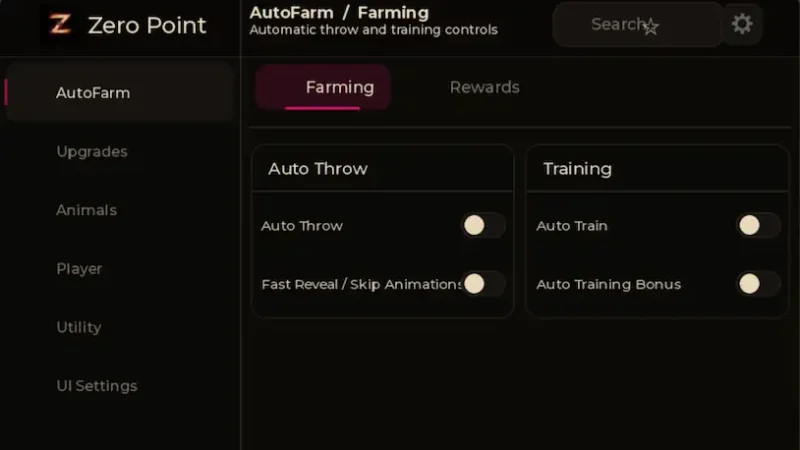
Zero Point | Throw Food For Animals
🎯 AutoFarm
Auto Throw
Fast Reveal / Skip Animations
Auto Train
Auto Training Bonus
Claim Free Shop Rewards
Claim Offline Earnings
⬆️ Upgrades
Auto Buy Food
Auto Equip Best Food
Auto Upgrade Training Stand
Auto Upgrade Plot
Approach Upgrade Stations
🐶 Animal Management
Auto Index
Auto Equip Best Animals
Auto Sell Unprotected Animals
Auto Sell Pets
Auto Sell Up to Rarity
Anti Full with an adjustable backpack threshold
Manual actions: Equip Best Animals Now, Sell All Unprotected Now, and Sell Worst Backpack Pet Now
🕊️ Player & Flight
Fly with keyboard and mobile controls
Adjustable Fly Speed, Movement Smoothness, Rotation Smoothness, and Takeoff Height
Fly Animation Pack
⚙️ Utility
Anti AFK
Quick actions: Claim Free Reward, Claim Offline Earnings, Buy Next Food, Upgrade Training Stand, and Upgrade Plot
Lua Script
loadstring(game:HttpGet("https://raw.githubusercontent.com/JaxRol/ZeroPoint/refs/heads/main/KeySystem"))()How to run this script with Delta Executor
Copy the Lua Script Code
Click the copy button above. The full loadstring is placed on your clipboard instantly.
Paste & Execute
Paste the loadstring into the Delta Executor and hit Execute clipboard. Wait until script GUI opens inside the Roblox game.
More Scripts for Roblox
View All
Throw Food For Animals Script – Auto Perfect Throw + 2X Power
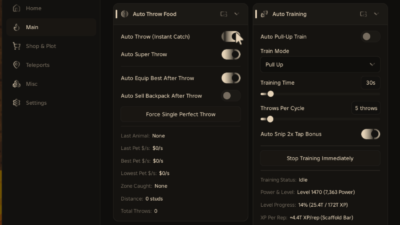
Throw Food for Animals Script – Auto Super Throw + Auto Snip 2X Bonus Tap+ Auto Equip Best After Throw – Lggy Hub
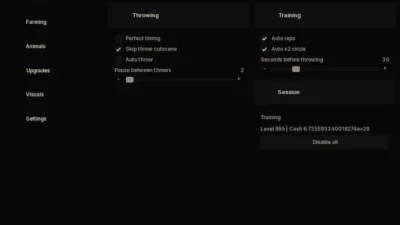
Throw Food for Animals Script – Perfect Throw + Auto X2 Circle + Auto Place Animals – AXIS

MAKO Hub
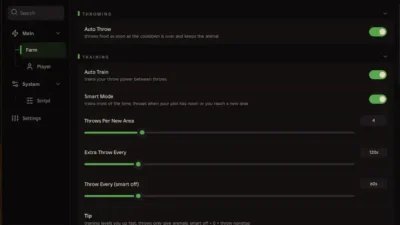
Throw Food For Animals Script – AUTO THROW + THROW CONTROL + AUTO TRAIN – BYPASSHUB
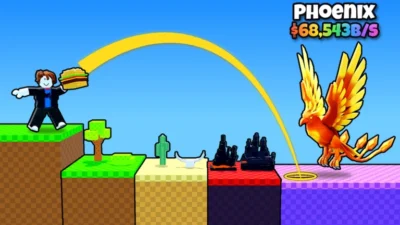
Throw Food for ANIMALS Script – AUTO PERFECT THROW + AUTO TRAINING – VENOMHUB
Roblox Games




Comments
0Share what works, ask questions, or report an issue.
No comments yet. Be the first to comment!