
About this Script
📱 Mobile ✅ · Tested on 9 executors? · Support & updates:
Features
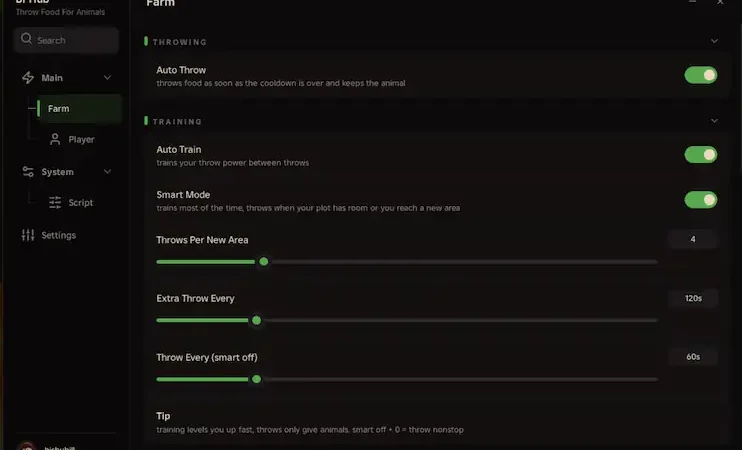
BPHub – Smart Farm, Auto Buy, Auto Sell
- 🎯 Throwing & Training
- Auto Throw — Throws food when the cooldown ends and keeps the animal.
- Auto Train — Trains throw power between throws.
- Smart Mode — Prioritizes training and throws when your plot has room or you reach a new area.
- Throw controls — Throws Per New Area, Extra Throw Every, and Throw Every (Smart Mode off).
- 🛒 Upkeep
- Equip Best Animals — Places your best animals on your plot.
- Auto Buy — Lets you choose what the hub buys.
- Upkeep controls — Stop Stand At, Stop Food At, Keep Cash, and Upkeep Every.
- 💰 Selling
- Auto Sell Animals — Sells animals that aren’t on your plot.
- Sell Rarities — Choose which rarities can be sold.
- Never Sell Mutations — Protect selected mutations regardless of rarity.
- 🎁 Rewards
- Auto Claim — Claim offline cash and free shop gifts.
- Claim Index Rewards — Collect rewards from completed index pages.
- Dreamland Rewards — Claim milestone rewards.
- Dream Shop — Choose what to buy with Dream Tokens.
- ⚙️ Player & Script Settings
- Walk Speed toggle and adjustable speed slider
- Custom Menu Key
- Anti AFK
- Reload After Teleport
- Rejoin and Unload
- Live Farm & Session Stats — Track activity, cash, power, and your last animal.
Script Key Features
Compatible Roblox Executors
Explore more scripts for this game (16)
Views
15+
Likes
0
Dislikes
0
Posted
4 days ago
Updated
4 days ago
Key System
No
Mobile
Supported
Lua Script
loadstring(game:HttpGet("https://api.luarmor.net/files/v4/loaders/467778b7e06d29cb032367938bfa7210.lua"))()How to run this script with Delta Executor
2
Copy the Lua Script Code
Click the copy button above. The full loadstring is placed on your clipboard instantly.
3
Paste & Execute
Paste the loadstring into the Delta Executor and hit Execute clipboard. Wait until script GUI opens inside the Roblox game.
More Scripts for Roblox
View All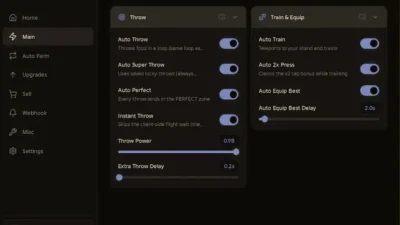
42
4 days ago
No Key
Throw Food For Animals
2 likes
Throw Food For Animals Script – Auto Perfect Throw + 2X Power
@BlackWater
30
2 days ago
Key
Throw Food For Animals
0 likes
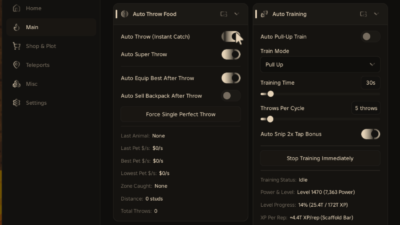
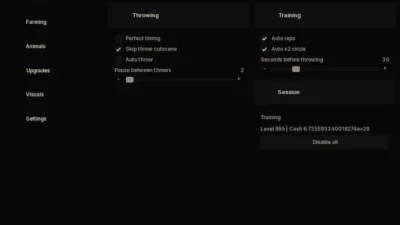
Throw Food for Animals Script – Auto Super Throw + Auto Snip 2X Bonus Tap+ Auto Equip Best After Throw – Lggy Hub
@BlackWater
20
4 days ago
No Key
Throw Food For Animals
0 likes
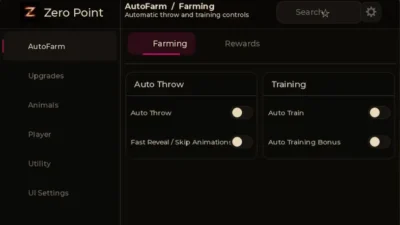
Throw Food for Animals Script – Perfect Throw + Auto X2 Circle + Auto Place Animals – AXIS
@BlackWater
19
4 days ago
No Key
Throw Food For Animals
0 likes
Throw Food for Animals Script – AUTO THROW + AUTO TRAIN + AUTO INDEX – ZERO POINT
@BlackWater

19
1 day ago
No Key
Throw Food For Animals
0 likes
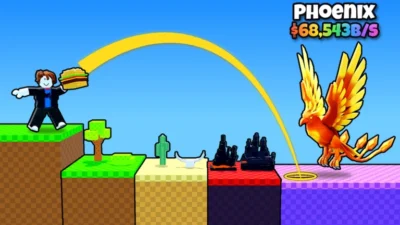
MAKO Hub
@MarkysMaro Hub
12
4 days ago
No Key
Throw Food For Animals
0 likes
Throw Food for ANIMALS Script – AUTO PERFECT THROW + AUTO TRAINING – VENOMHUB
@BlackWater
Roblox Games





Comments
0Share what works, ask questions, or report an issue.
Sign in to join the discussion
Sign in with your Google account to post comments, leave replies, and react.
No comments yet. Be the first to comment!