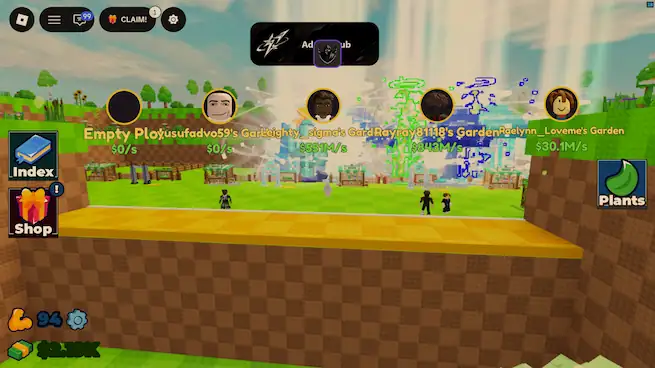

About this Script
Features
- Auto Training & Throwing Loop
- Auto Train (Train on your own bar; pause time is preserved)
- Auto Tap X2
- Auto Perfect Throw Seed (Full Power X20)
- Short Throw Animation (The Plant Will appear more quickly)
- Equip Best (Place your best plant in garden)
- Auto Upgrade Training Bar (Buy the next affordable training bar)
- Auto Upgrade Plot (Auto Buy Next Plot Level)
- Buy Next Seed (Automatically buy and equip the next affordable seed)
- Auto claim free gift ( auto claim free gift when it is operating)
- Auto Clam Daily reward ( claim 24h reward)
- Auto Redeem Code (Redeem all code)
- Auto Sell by Rarity (Native settings throw selected results sell immediately. New and mutated plants are kept) Common Uncommon Rare Epic Legendary Mythic Divine Cosmic Celestial
- Sell all stored plants
- Sell all stored pants including new and mutated plants. Garden plants are excluded
- Boost FPS (on low graphics, hide other pet)
- Hide my Plant (Hide your Plant in Plot)
- Auto Save Config
Script Key Features
Compatible Roblox Executors
Explore more scripts for this game (2)
Views
49+
Likes
0
Dislikes
0
Posted
7 days ago
Updated
6 days ago
Key System
No
Mobile
Supported
Lua Script
loadstring(game:HttpGet("https://raw.githubusercontent.com/caubebietbuon/Misozz/main/Adonis.lua"))()How to run this script with Delta Executor
2
Copy the Lua Script Code
Click the copy button above. The full loadstring is placed on your clipboard instantly.
3
Paste & Execute
Paste the loadstring into the Delta Executor and hit Execute clipboard. Wait until script GUI opens inside the Roblox game.
More Scripts for Roblox
View All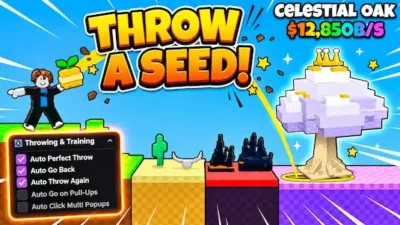
Roblox Games





Comments
0Share what works, ask questions, or report an issue.
Sign in to join the discussion
Sign in with your Google account to post comments, leave replies, and react.
No comments yet. Be the first to comment!