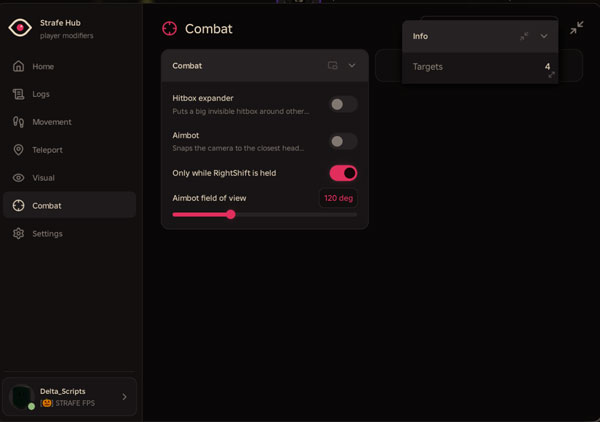

About this Script
Features
- Speed Boost: Use Separately From
- Fly Fly: Use Separately From Speed Boost
- Noclip Infinite Jump: Slow-Fall Behavior
- Anti Ragdoll: No Practical Benefit in Our Test Speed and Fly Speed Settings
- Jump Power Setting
- Position and Horizontal
- Velocity Status Teleport to X, Y and Z Coordinates
- Quick Moves: Up 25, Up 100 and Down 25
- Fill Coordinate Inputs With Current Position
- Save, Select and Delete Named Spots
- Teleport to Selected Player
- Field of View Override
- Fullbright
- No Fog
- Hide Viewmodel
- Anti-AFK
- PC Movement Keybinds
- Floating Movement Controls Saved Configs and Theme Settings
- Hitbox Expander: Not Working
- Aimbot With Hold-Key and FOV Settings: Not Working
Script Key Features
Compatible Roblox Executors
Explore more scripts for this game (1)
Views
18+
Likes
0
Dislikes
0
Posted
1 month ago
Updated
1 month ago
Key System
No
Mobile
Supported
Lua Script
loadstring(game:HttpGet("https://raw.githubusercontent.com/bobloscript/robscript/refs/heads/main/Strafe", true))()How to run this script with Delta Executor
2
Copy the Lua Script Code
Click the copy button above. The full loadstring is placed on your clipboard instantly.
3
Paste & Execute
Paste the loadstring into the Delta Executor and hit Execute clipboard. Wait until script GUI opens inside the Roblox game.
More Scripts for Roblox
View All
3772
3 months ago
No Key
Blox Fruits
3 likes
Blox Fruits – X100 Luck Script – 🧲Update Meow Hub V1.0 – Free Dragon – Working – Overpower- Fixed
@BlackWater

3613
1 month ago
No Key
Solve the Cube
11 likes
Solve the Cube Script No Key – Auto Solve, Auto Ready, Auto Sit, Auto Buy Chairs
@Sensei_Yusuf
3399
2 months ago
No Key
Steal an Egg
7 likes
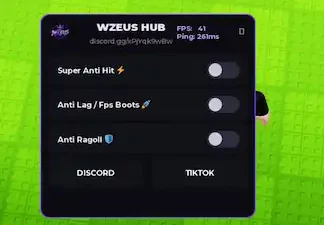
Steal an Egg Script No Key – Super Anti Hit, Anti Lag, Anti Ragdoll – WZEUS HUB Delta Roblox Scripts 2026
@BlackWater
2740
3 months ago
Key
Steal an Egg
8 likes
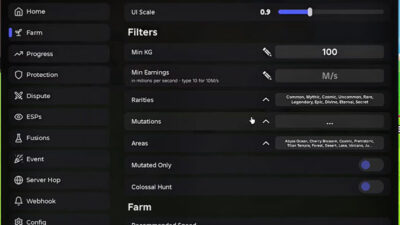
Steal an Egg Script OMG Hub – Multi Instant Steal, Instant Steal, Tween Steal, Instant Claim & New OP
@Shamax

2295
3 weeks ago
No Key
Steal an Egg
14 likes
Steal an Egg Script – Best Egg Finder
@BlackWater
2183
2 months ago
No Key
Piggy
1 likes
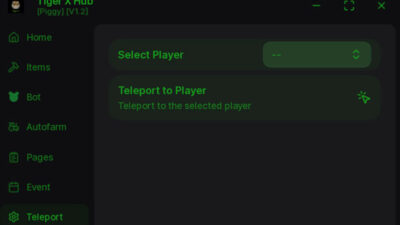
Piggy Tiger X Hub Script Keyless | Auto Find Pages, Fling Bots, Map Stealer & ESP
@BlackWater
Roblox Games





Comments
0Share what works, ask questions, or report an issue.
Sign in to join the discussion
Sign in with your Google account to post comments, leave replies, and react.
No comments yet. Be the first to comment!